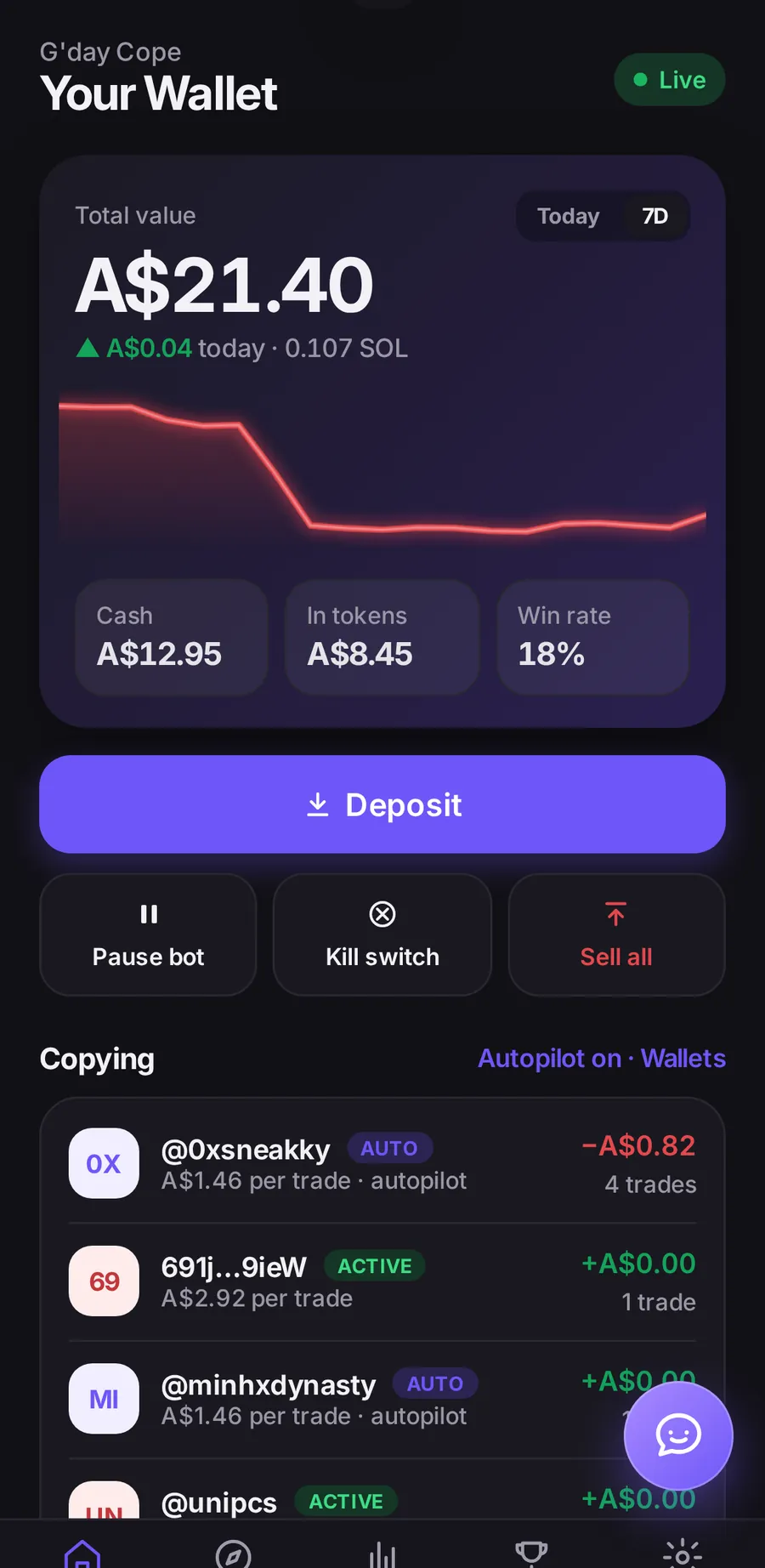
01 — Autopilot
Copy-trading that runs 24/7.
The bot watches the wallets you follow and can enter and exit for you, even while you’re away. Pause it, or hit the kill switch, from Home.
 Tradebuddy
Invite-only
Download for Windows
Smart copy-trading on Solana
A 24/7 bot for top wallets Bot Picks live prices your limits
Tradebuddy follows the traders you choose, around the clock, and handles entries and exits. Invite-only, on iPhone and Windows. There is no login on this site — download the app to use it.
01 — Autopilot
The bot watches the wallets you follow and can enter and exit for you, even while you’re away. Pause it, or hit the kill switch, from Home.
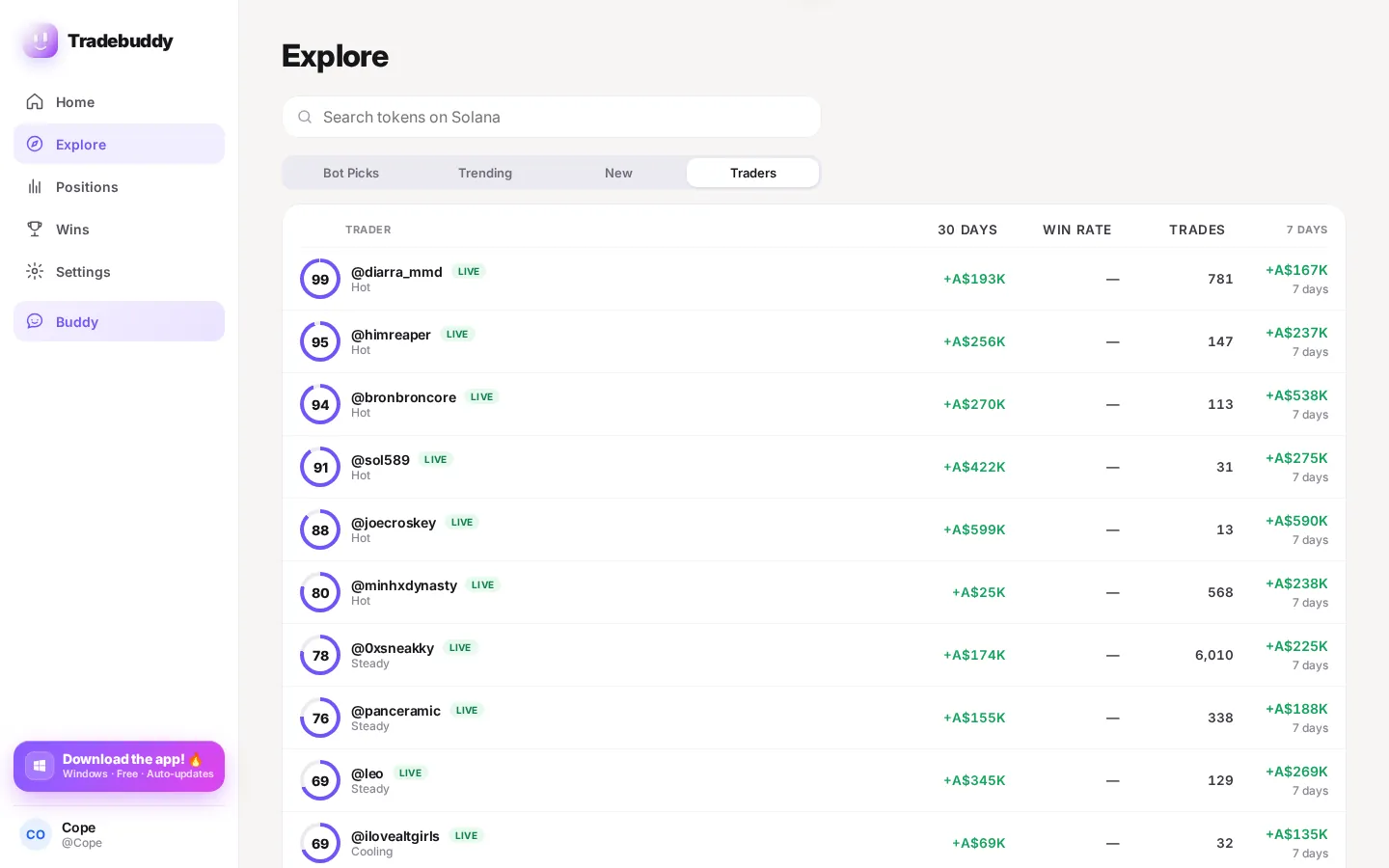
02 — Top Traders
Browse traders with ratings and recent form. Follow a wallet to copy it, set your size, and pause or resume whenever you want.
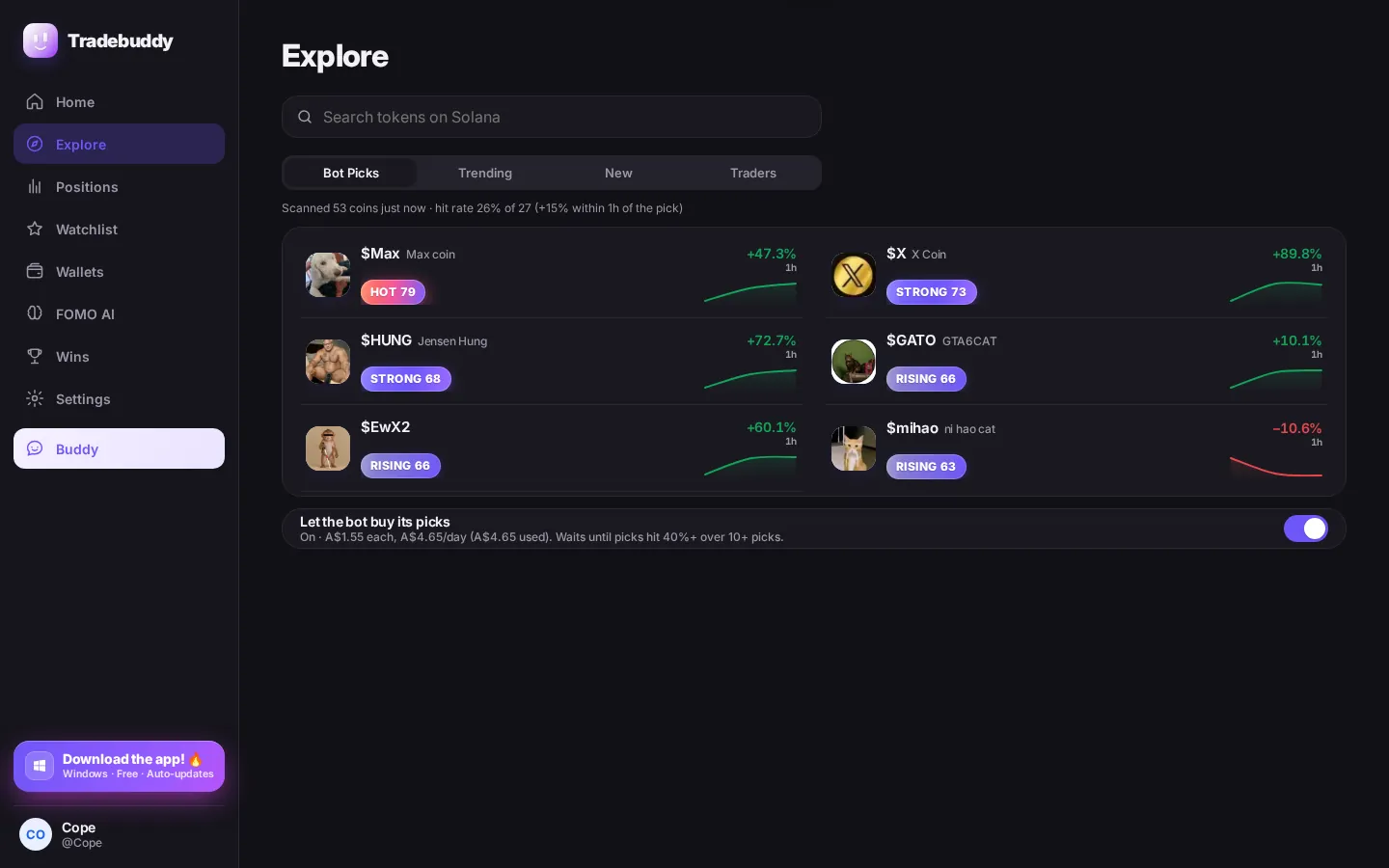
03 — Bot Picks
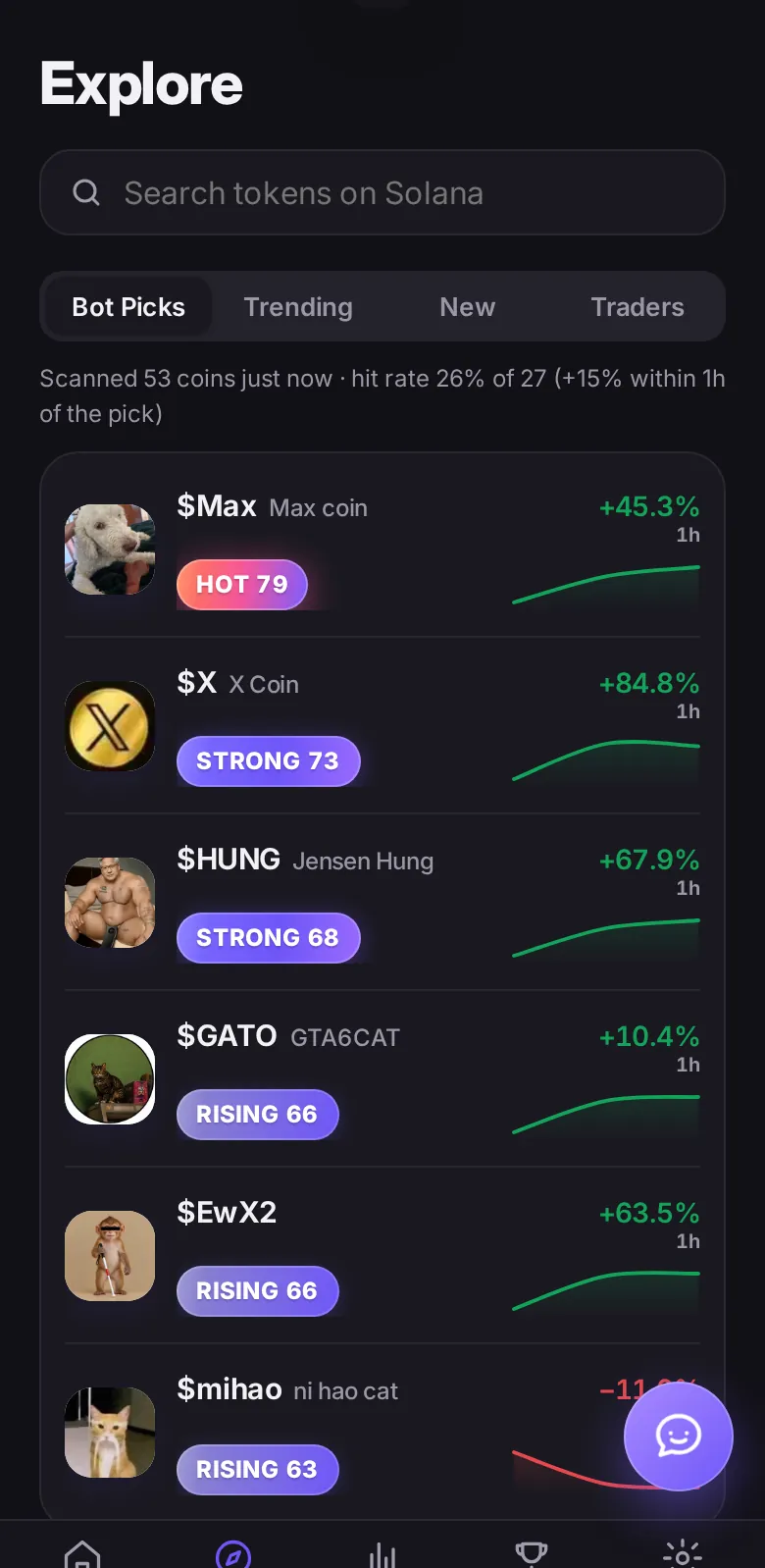
Bot Picks flags coins the bot is watching, with a heat badge and a sparkline so you can see the shape of the move at a glance.
04 — Explore
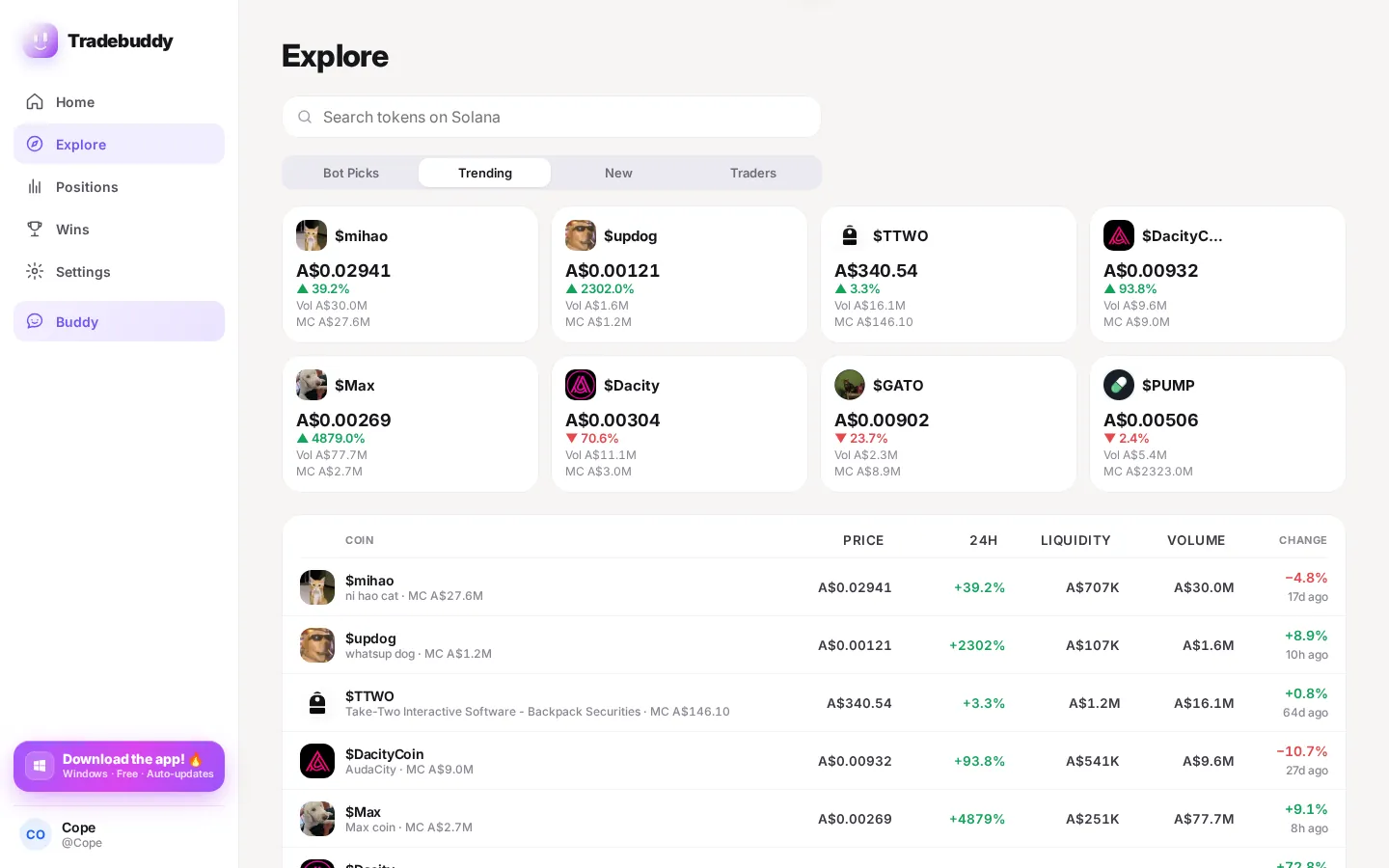
Explore what’s moving on Solana — trending coins, new names, and the traders behind them — without leaving the app.
05 — Watchlist
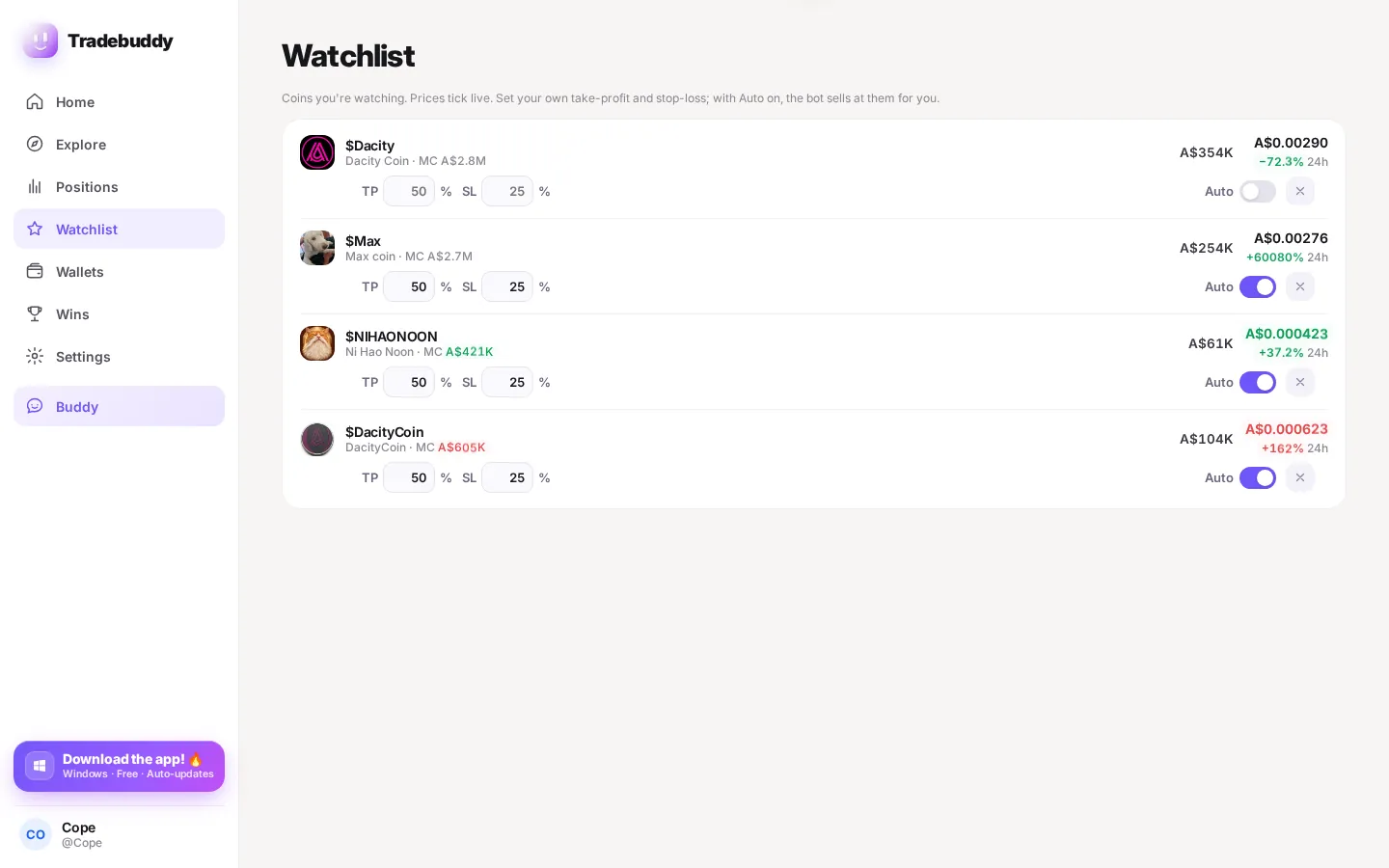
Pin coins you care about. Set a take-profit and stop-loss on each one, and flip auto-trade on if you want the bot to sell for you.
06 — FOMO AI
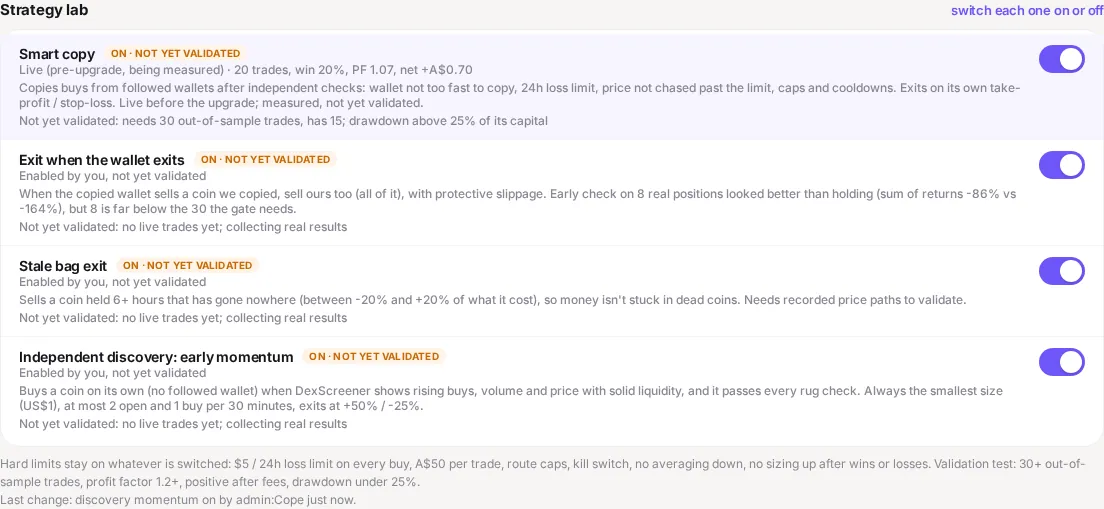
The FOMO AI tab is where you turn strategies on or off. Each one is labelled clearly, including when it is still being measured.
07 — Buddy
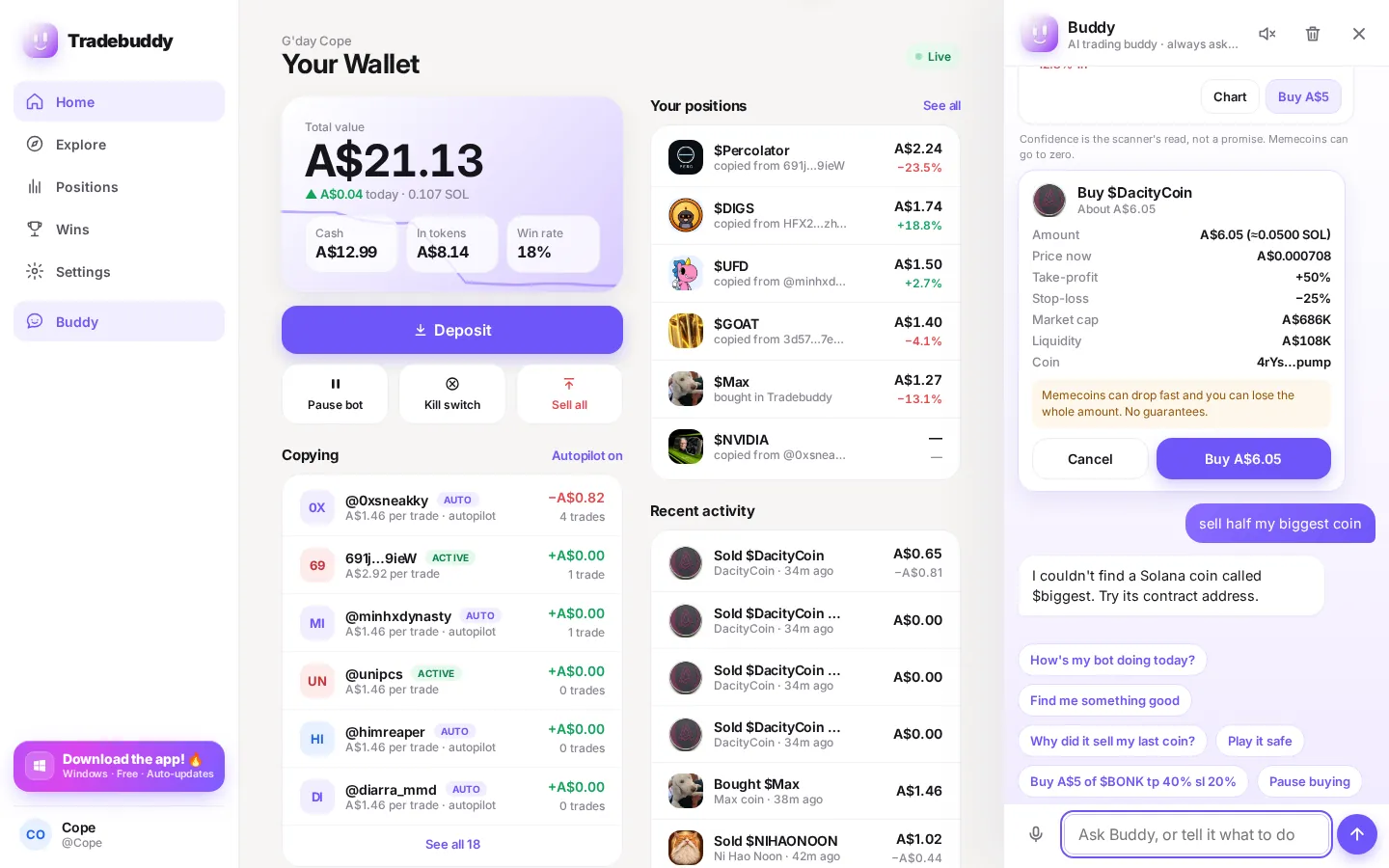
Buddy lives on your machine. Ask it to check a coin, tighten a limit, or walk you through a trade — it won’t change a locked limit without you.
08 — Wins
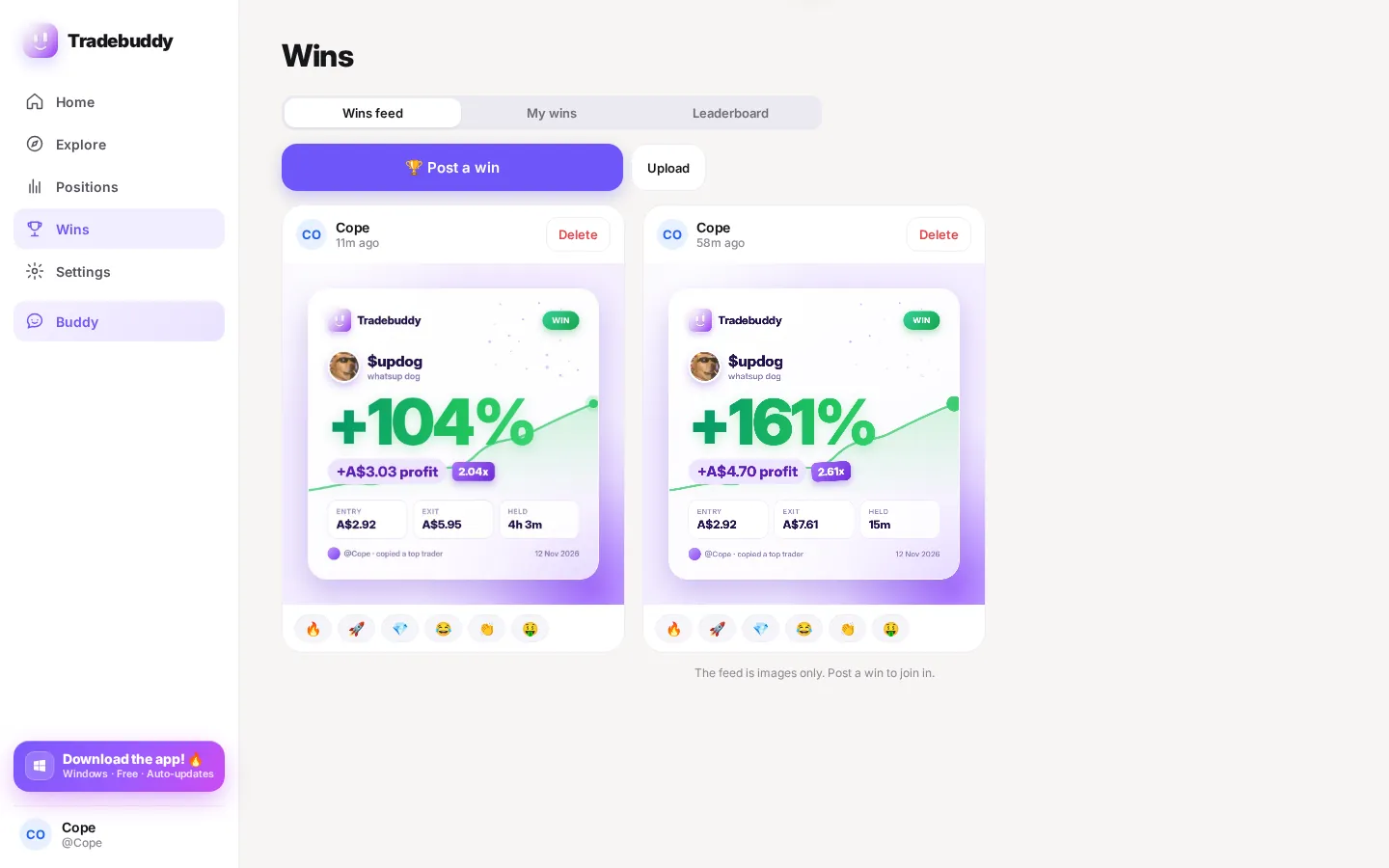
Post a win card to the feed, and check the leaderboard by day, week or all-time. You can hide dollar amounts so others only see rank and percent.
And the rest of the kit
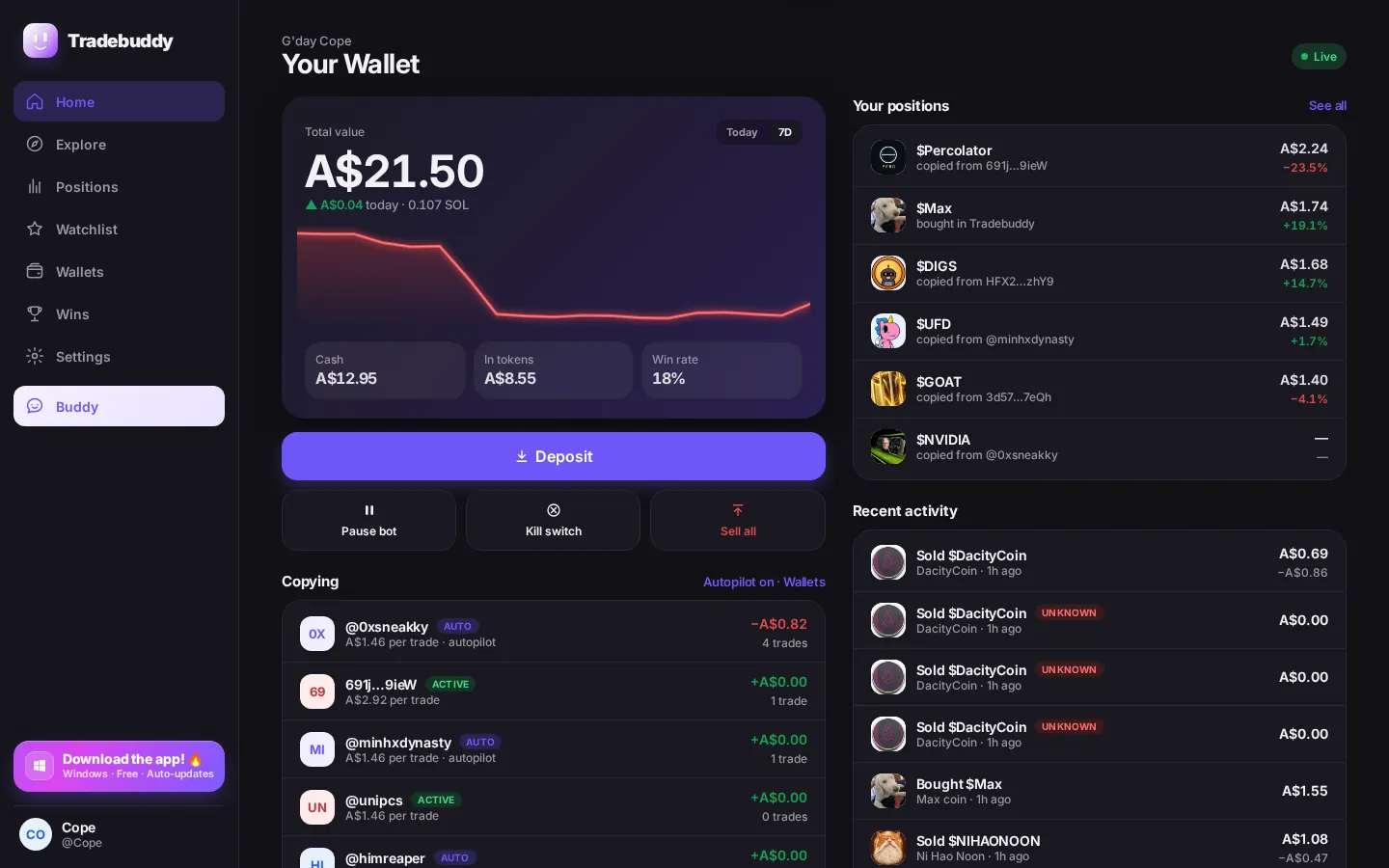
The same app on your phone and on Windows. Live prices, a true portfolio, and the safety switches that stay locked.
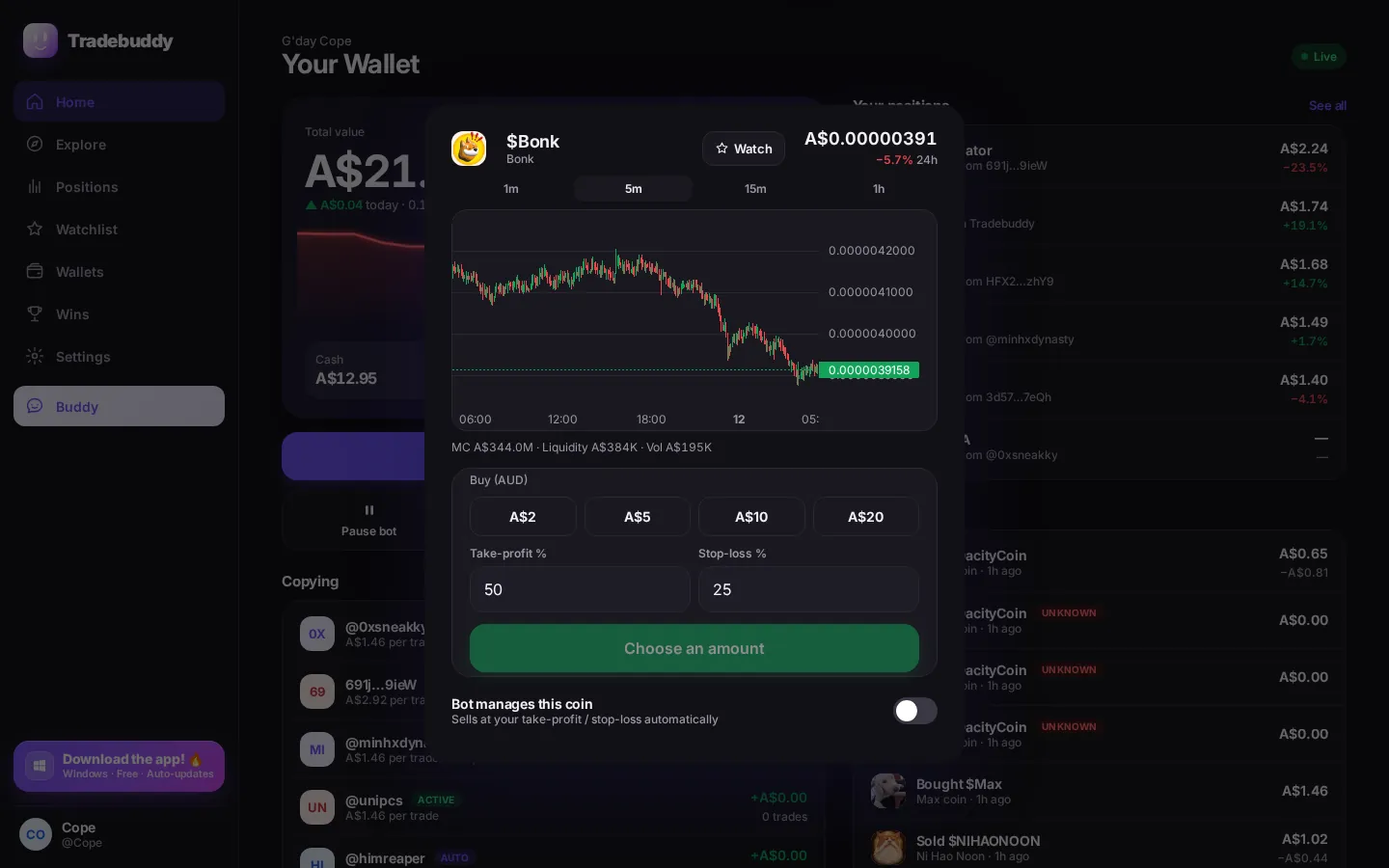
Charts and lists update as the market moves, so the price you see is the one the bot is looking at.
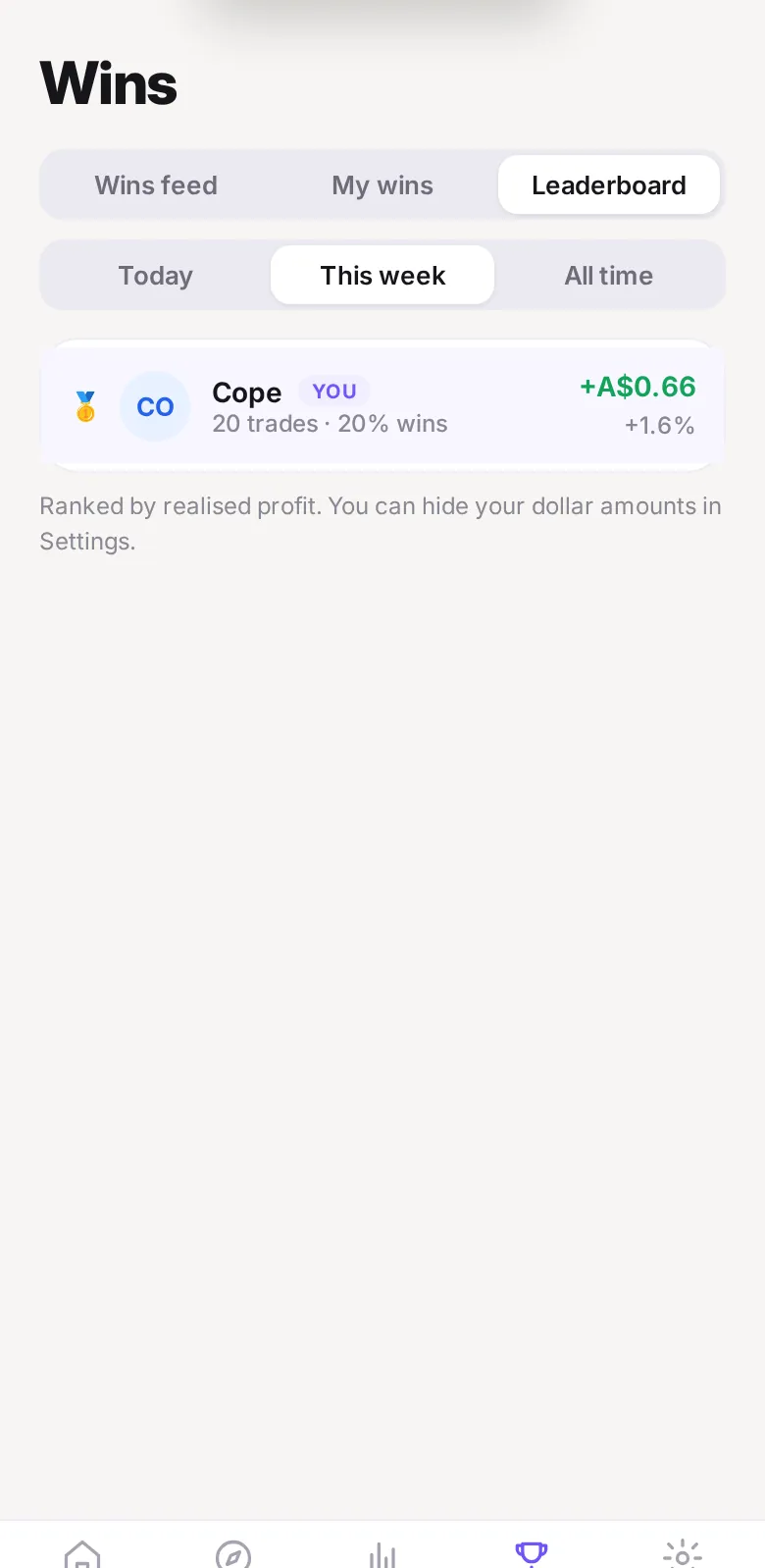
Ranked by realised results for the day, the week or all-time. Hide dollar amounts in Settings if you want others to see rank and percent only.
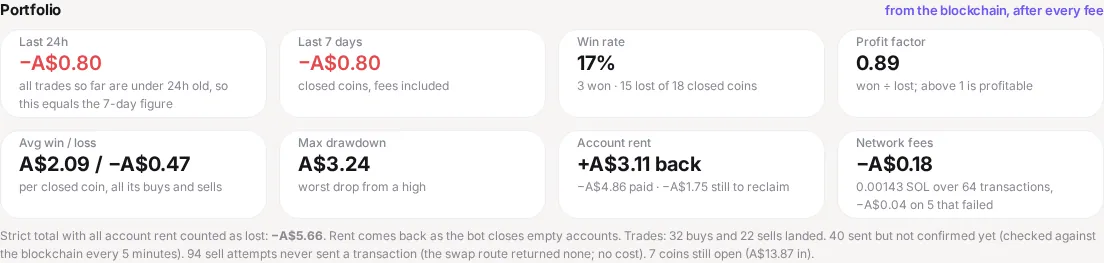
P/L is taken from on-chain fills, after fees — not a made-up dashboard number.
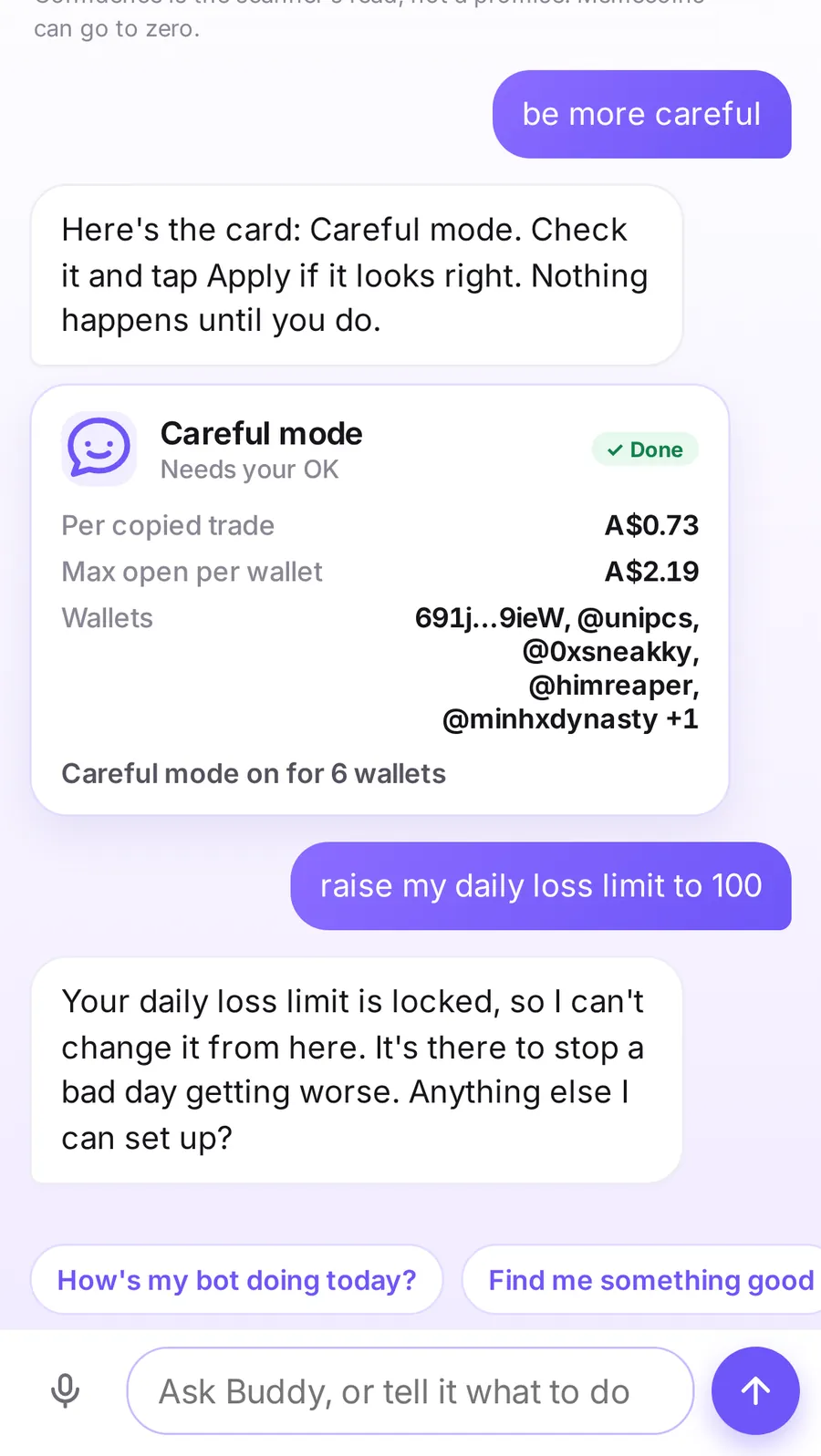
A daily loss cap you can’t slide past in a bad moment, plus a kill switch that freezes trading instantly.
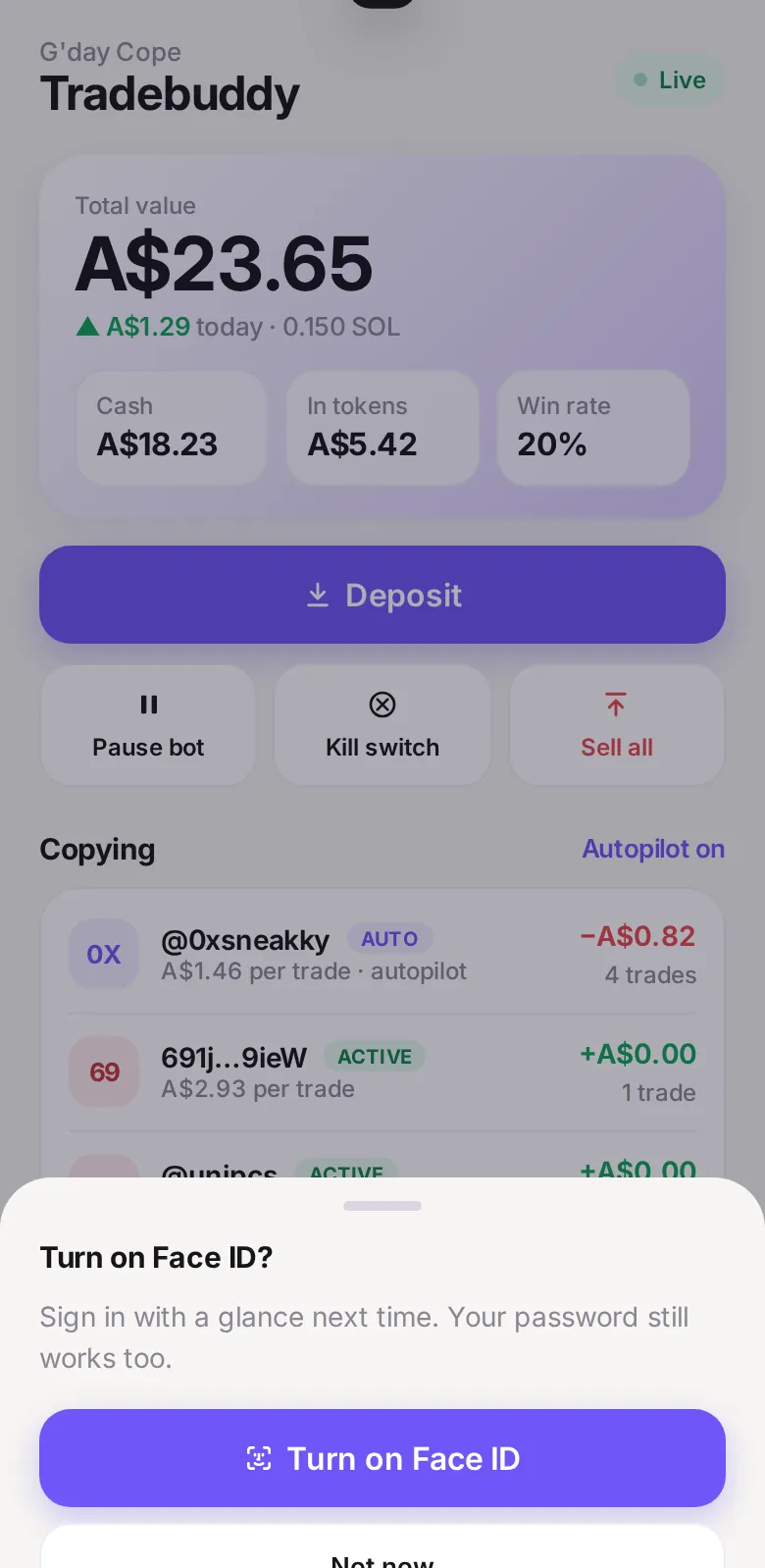
Unlock the iPhone app with a glance. Get alerts when the bot buys, sells, or a daily summary lands.
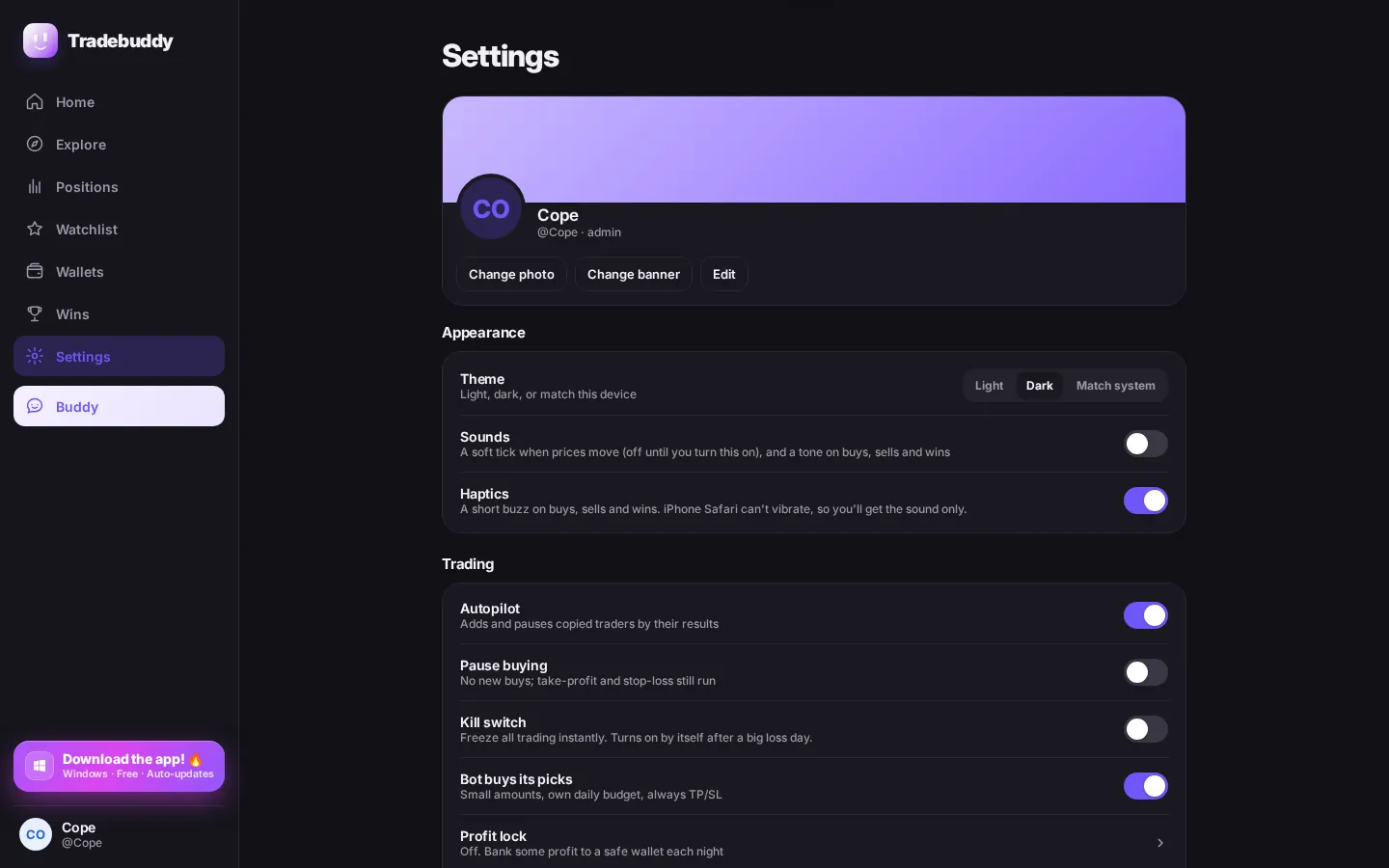
Light, dark, or match the device. The Windows app follows the same theme, including the title bar.
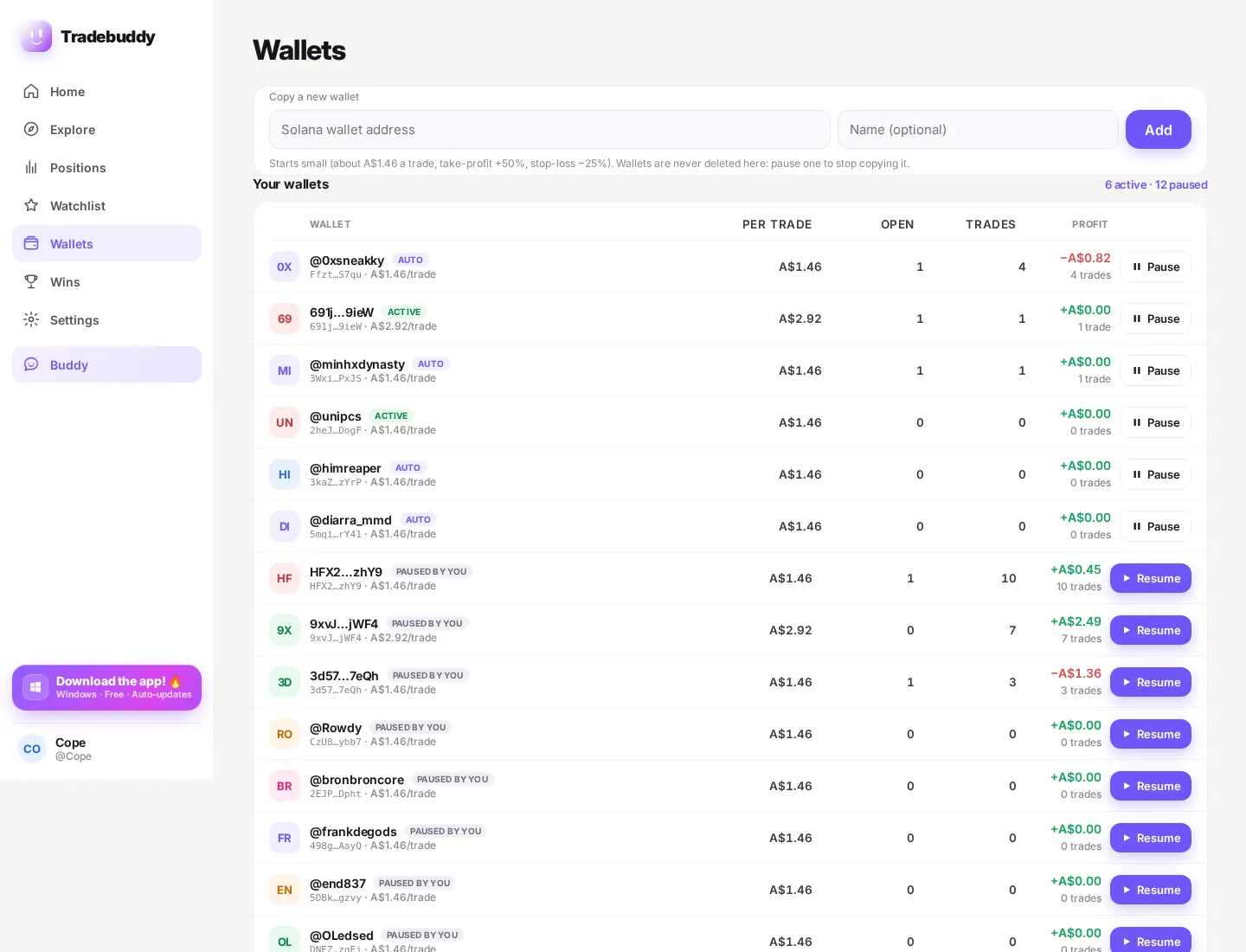
Accounts are invite-only. Each person trades from their own wallet — you don’t share a pool or a login on this website.
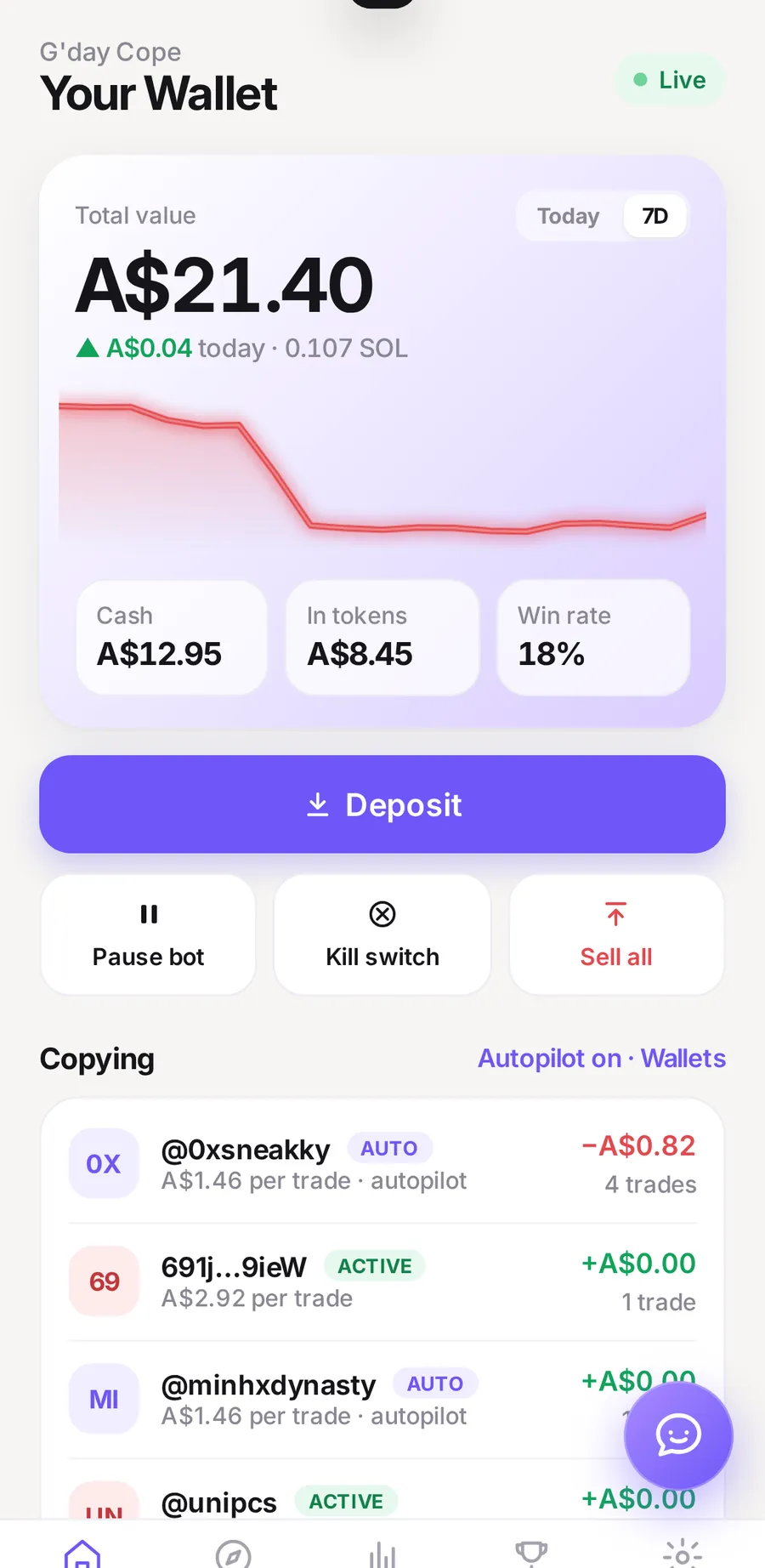
The same Tradebuddy on an iPhone Home Screen app and a Windows desktop app. Download it. That’s how you get in.
Get it on iPhone
There isn’t a separate App Store listing yet. If you’ve been invited, open your invite in Safari, then pin it like this.
Windows
The Windows app opens Tradebuddy directly. You don’t type an address, and this website doesn’t have a login.